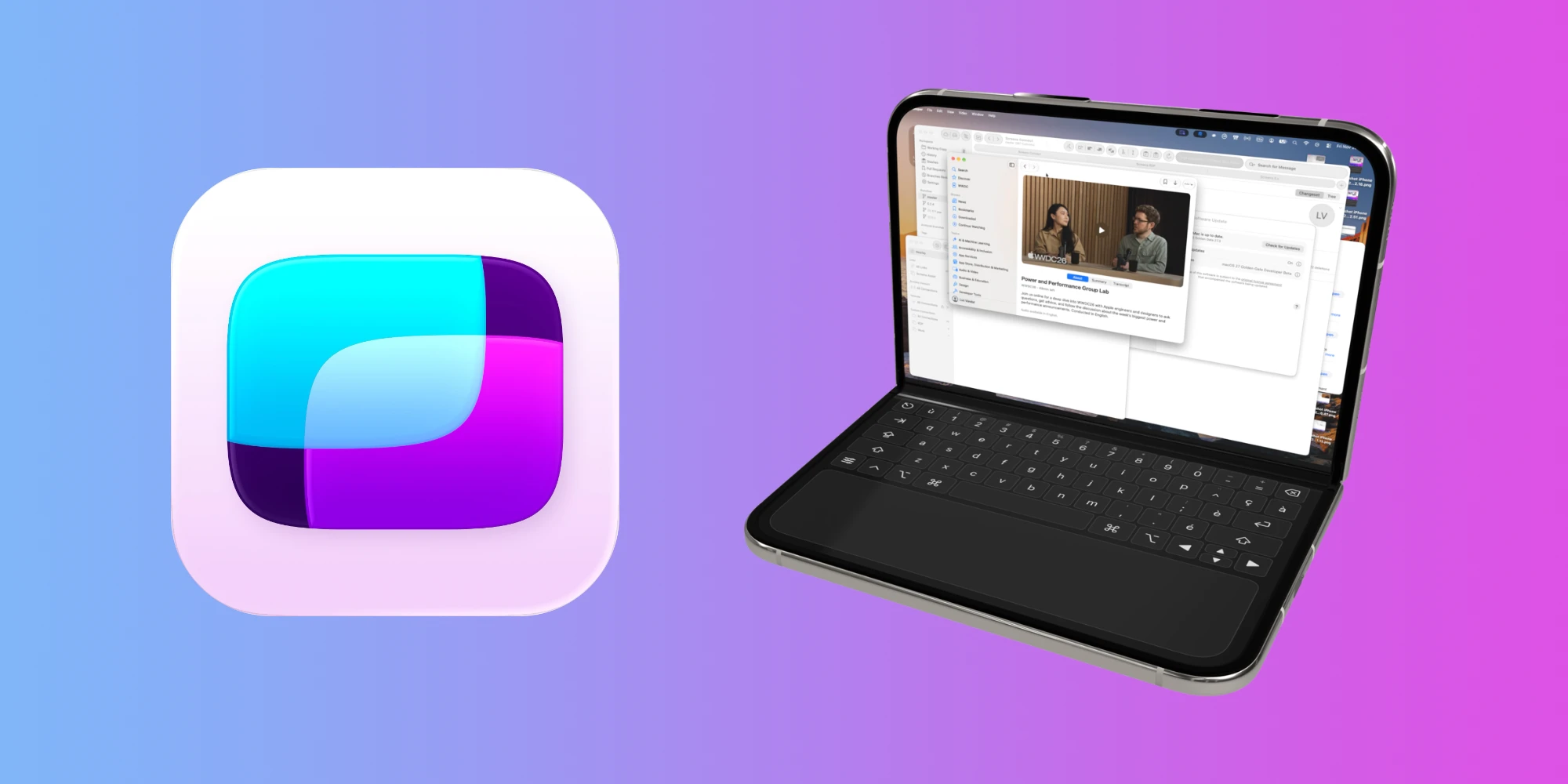
Edovia’s Screens 5.10.6 has a new job for a half-folded iPhone Duo: tiny laptop duty. The developer announced the update on November 25, 2026, adding Laptop Mode with a remote desktop on the upper half of the screen and a virtual keyboard and trackpad below. Source
Screens lets you control another computer; it doesn’t install macOS on the iPhone Duo or make it a standalone Mac. The hinge hasn’t smuggled in a second operating system. SourceSource
According to Edovia, the virtual trackpad supports existing Screens gestures, while the keyboard supports multiple languages and follows your selected system keyboard language. You can also swipe down on keys to access secondary characters, as on iPad. Source
Edovia says Laptop Mode works particularly well with its recently introduced High Performance Screen Sharing, which automatically resizes a remote Mac’s desktop to fit the phone’s upper half and supports remote audio. It’s a neat use of the fold: desktop upstairs, controls downstairs. Source
Dictation options and availability
Screens 5.10.6 also adds options for sending dictated text to your remote computer. Edovia says you can choose direct typing or clipboard pasting, with an option to press Return automatically afterward. The controls live under Settings → Controls → Dictation. Source
Edovia says clipboard pasting works particularly well with third-party keyboards such as Typeless: it preserves paragraph breaks without triggering Return prematurely. Source
In its November 25 announcement, Edovia listed Screens 5.10.6 as available for iOS, iPadOS and visionOS. The macOS version was still awaiting App Store approval, with no firm release date given. Laptop Mode itself is for iPhone Duo. Source



Comments