Peter Yang Releases Open-Source Human-Review For Visual AI Content Editing
Reactions
5 postsPY  Peter Yang@petergyang
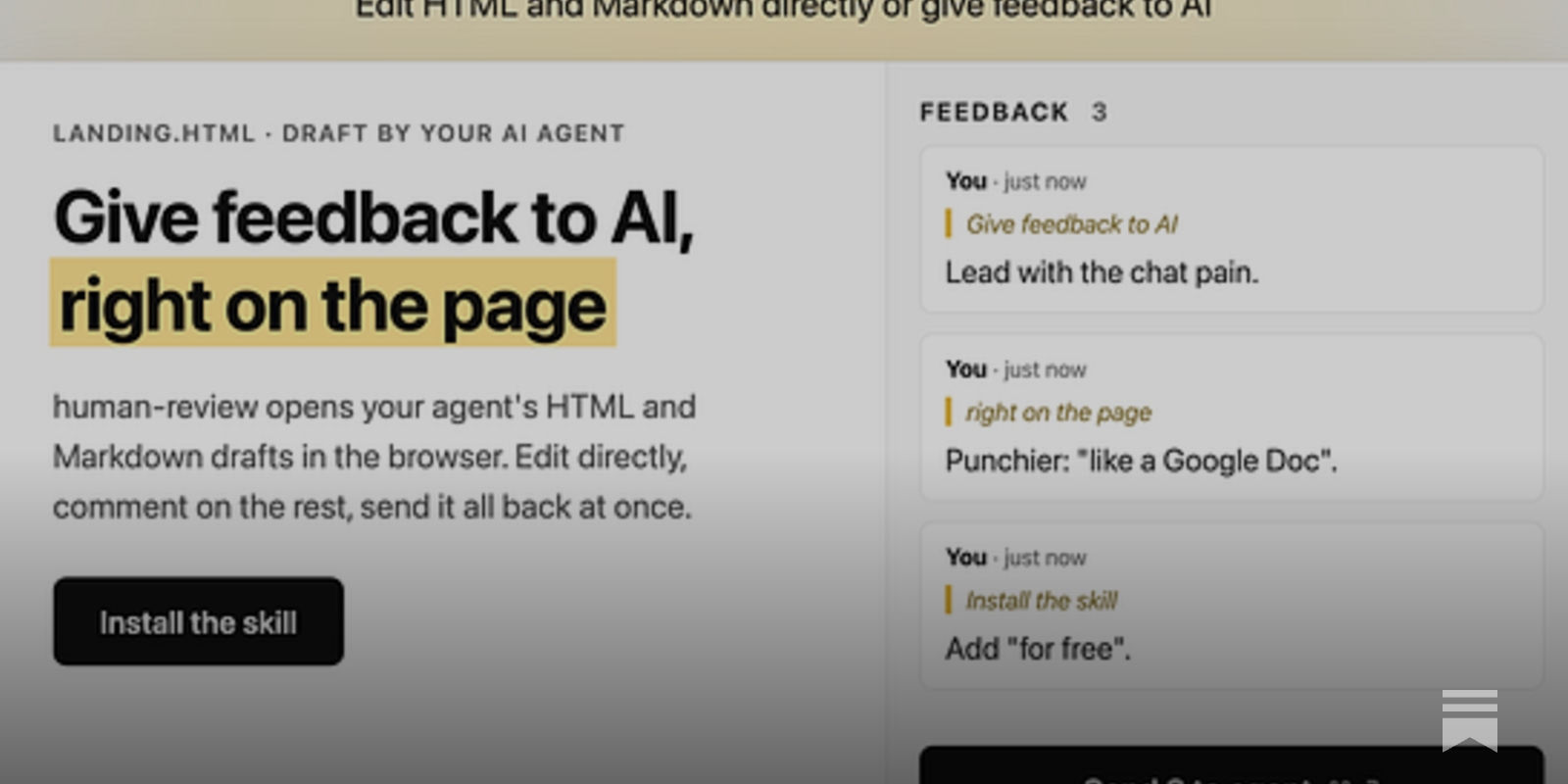
My last open-source skill, /no-ai-slop, clearly hit a nerve with 4K GitHub stars. Today, I’m introducing /human-review, another free AI skill I think you’ll love. Let’s face it - giving feedback to AI in chat is painful. Asking it to “update the 3rd paragraph” or “update image…
- likes: 1.9K
- replies: 58
- bookmarks: 3.7K
- reposts: 116
PY Peter Yang@petergyangIf you enjoyed this, sign up for free to my newsletter to get my best AI and product guides. Join 110,000+ subscribers here:
- likes: 0
- replies: 0
- bookmarks: 0
- reposts: 0
PY Peter Yang@petergyangHow to use my new /human-review skill to edit HTML and Markdown files directly: 1. Tell Codex or Claude Code: “Install this: ” 2. Type “/human-review (your doc name)” 3. It’ll open a visual editor where you can edit and format text directly, resize images, and leave feedback…
- likes: 247
- replies: 13
- bookmarks: 306
- reposts: 13
PY Peter Yang@petergyangMy last open-source skill, /no-ai-slop, clearly hit a nerve with 4K GitHub stars. Today, I’m introducing /human-review, another free AI skill I think you’ll love. Let’s face it - giving feedback to AI in chat is painful. Asking it to “update the 3rd paragraph” or “update image…
- likes: 1.9K
- replies: 58
- bookmarks: 3.7K
- reposts: 116
PY Peter Yang@petergyangHow to use my new /human-review skill to edit HTML and Markdown files directly: 1. Tell Codex or Claude Code: “Install this: ” 2. Type “/human-review (your doc name)” 3. It’ll open a visual editor where you can edit and format text directly, resize images, and leave feedback…
- likes: 247
- replies: 13
- bookmarks: 306
- reposts: 13