Canva is giving Free and Pro users two ways to say “less AI, please.” The company announced controls on November 19, 2026, that hide supported generative AI features and, separately, reduce AI-generated content in its library, according to 9to5Mac. Canva says both come at no additional cost. Source
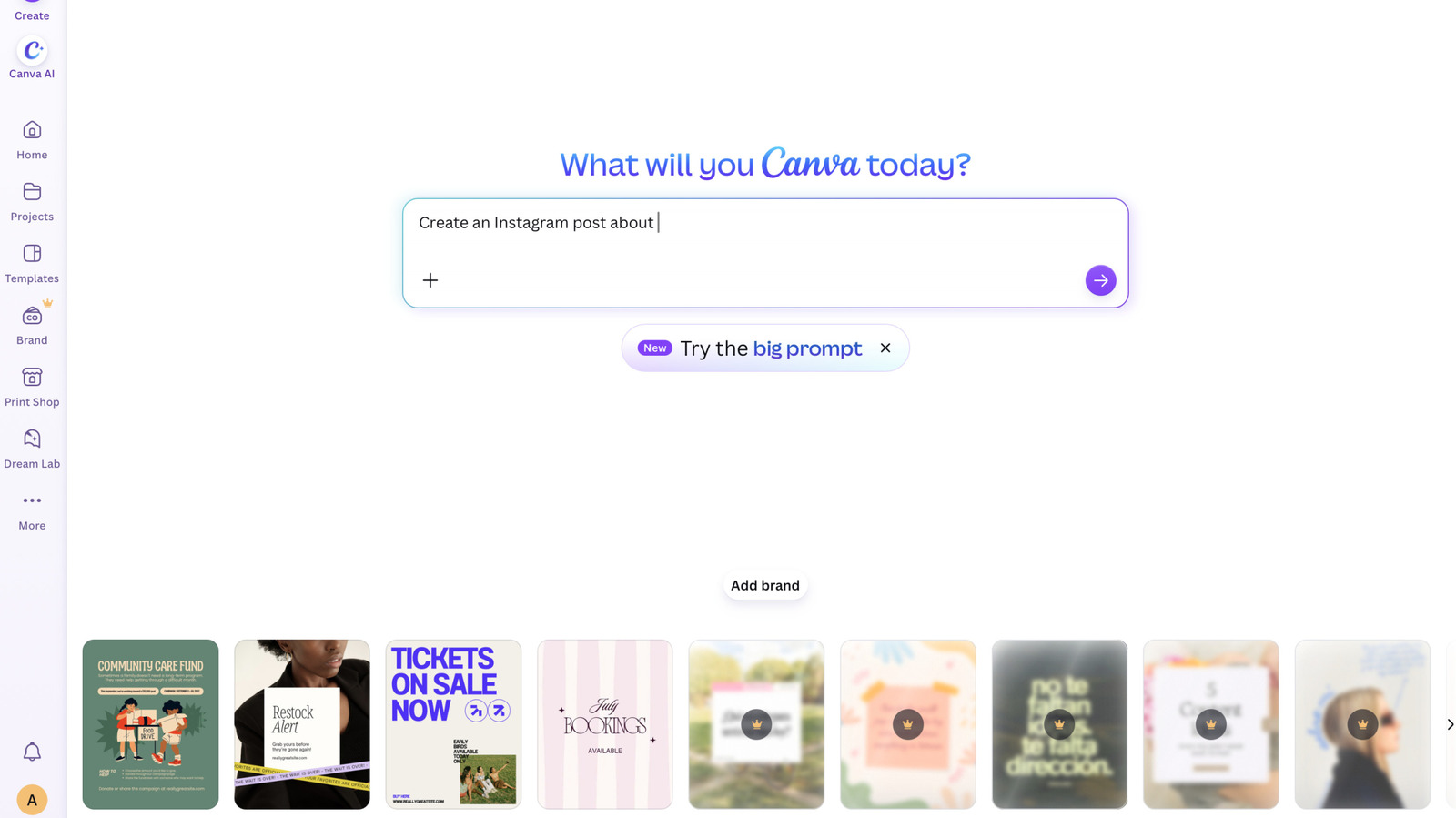
The feature switch hides supported generative tools across Canva. The Verge reports that covered tools include Magic Expand, Magic Write, Dream Lab and image generation through the Canva chatbot, among others. Source Source
The separate library control reduces AI-generated templates and elements in search results and recommendations. Canva says this setting won’t change existing designs. The setting doesn’t promise to remove every AI-generated asset. Source
Background Remover gets to stay
Turning off generative features doesn’t turn Canva into an AI-free zone. Background Remover, which extracts a subject from a photo, and Magic Grab, which lets you select and move an object within a design, remain available. Source Source
“Both remain available when the generative AI switch is off, because they work only with what’s already in a design,” Canva says. The background can still get the boot. Source Source
Where to find the controls
9to5Mac gives these instructions, quoting Canva: Source
- Hide supported generative AI features: Go to Profile > Settings > Permissions and turn off Enable generative AI features. Source
- See less AI-generated library content: Go to Profile > Your account > AI personalization and enable the option to show less AI-generated content. Source
Canva says both controls can be switched on or off at any time. No lifetime commitment to either side of the AI argument required. Source



Comments