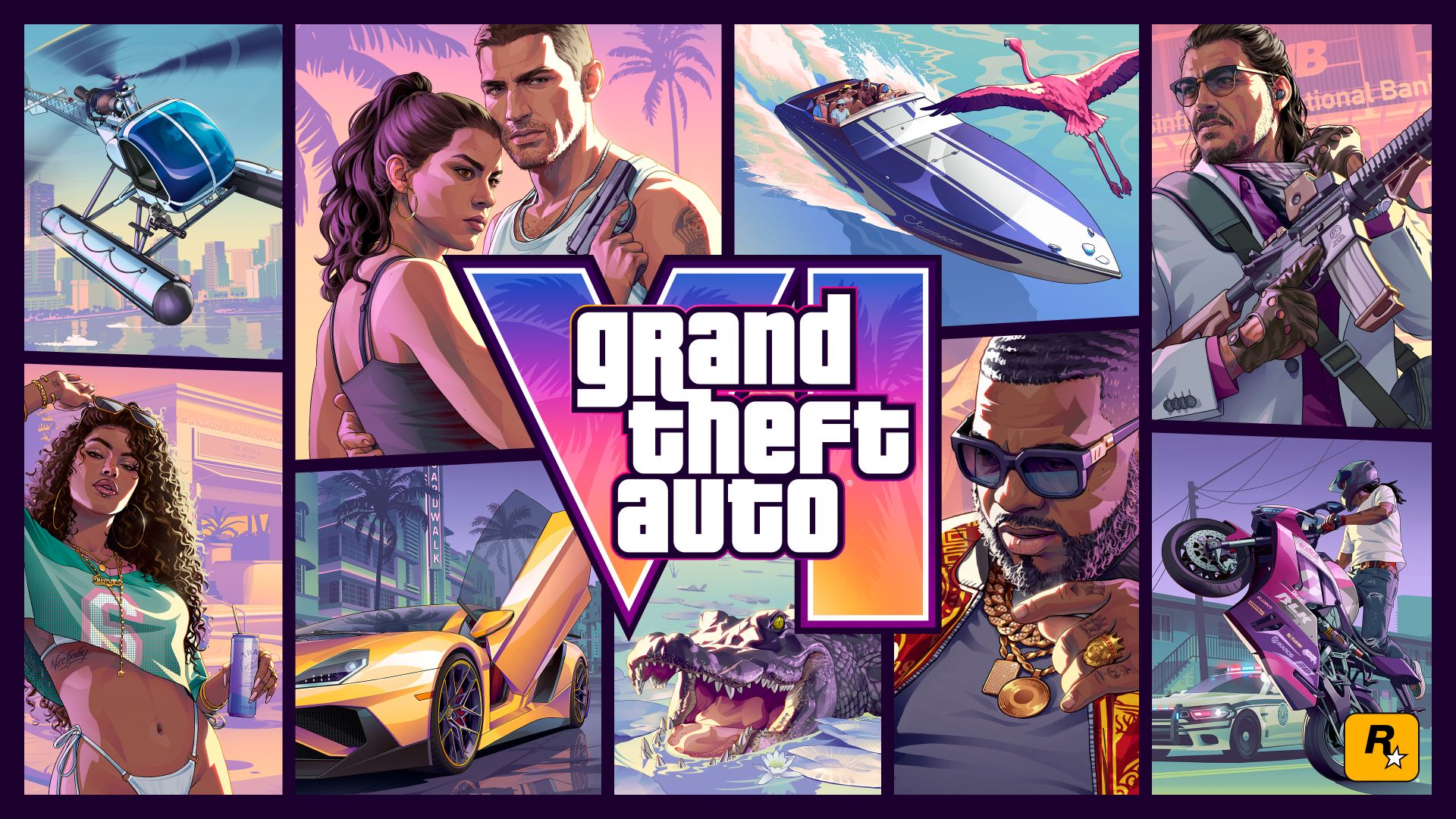
If you're about to evict another game from your Xbox, Digit reports an alternative: stream GTA 6. Its November 24 report, citing an Xbox Wire post, says Xbox Cloud Gaming supports the game on Xbox One and Xbox Series X/S without downloading it to the receiving console. Source
Digit says cloud play requires a purchased copy of GTA 6 and uses Xbox Series S graphics settings. The Xbox One detail is about receiving a stream, not installing a native version. Old console, different job. Source
Cloud play: skip the local download
Digit gives these steps for cloud play on an Xbox console after purchasing GTA 6:
- Press the Xbox button on the controller and search for Grand Theft Auto VI.
- Choose Manage, then See in Microsoft Store.
- Select Play with Cloud on the listing. Source
Digit doesn't specify the exact eligible subscription plans, regional availability, prices or supported purchase formats. Don't assume buying the game is enough to make that cloud button appear. Source
For cloud play, Digit says Microsoft recommends wired Ethernet and warns that even high-speed Wi-Fi can occasionally suffer audio or video quality drops. One less download, one more reason to find that Ethernet cable. Source
Remote Play: your Xbox still has a shift
Digit quotes Microsoft describing Remote Play as a way to stream gameplay directly from your Xbox Series X or S to eligible devices, including phones, laptops, PCs and handheld gaming PCs such as the Xbox ROG Ally. Changing screens doesn't free up the host Xbox's game storage. Source
For Remote Play setup, Digit directs Series X/S owners to Settings > Devices & connections > Remote features, then Enable remote features. On a PC or Xbox ROG Ally, it says to open the Xbox app, select the profile icon, choose Accessories and remote play, and select the console's Remote play option. Source




Comments