Google has added a lower-confidence “suspicious site” warning to Chrome’s Safe Browsing, SecurityWeek and BleepingComputer report. It flags pages with deceptive patterns that do not meet the threshold for Chrome’s existing full-page red warning. That red warning remains for pages Safe Browsing judges dangerous with high confidence.
Under Chrome’s Enhanced Protection setting, a server-side Gemini model now checks for scams, replacing an earlier on-device approach focused on tech-support scams, according to SecurityWeek. The model also targets fake antivirus and browser-update pages. Google says Safe Browsing combines Gemini’s analysis with domain reputation and other signals before reaching a verdict. The company says it analyzes page text only when a site shows strong scam indicators, and that any page content sent off-device is processed temporarily, not logged, stored or used to train models.
ClickFix scams try to get people to copy and run commands themselves. For Enhanced Protection users, Google says Chrome checks a potential ClickFix script after it is copied, removes personally identifiable information from the clipboard payload and sends it to Safe Browsing. Chrome shows a warning if the verdict is dangerous, SecurityWeek reports. The check is a conditional warning, not a block on every copied command.
HTTP warnings have exceptions
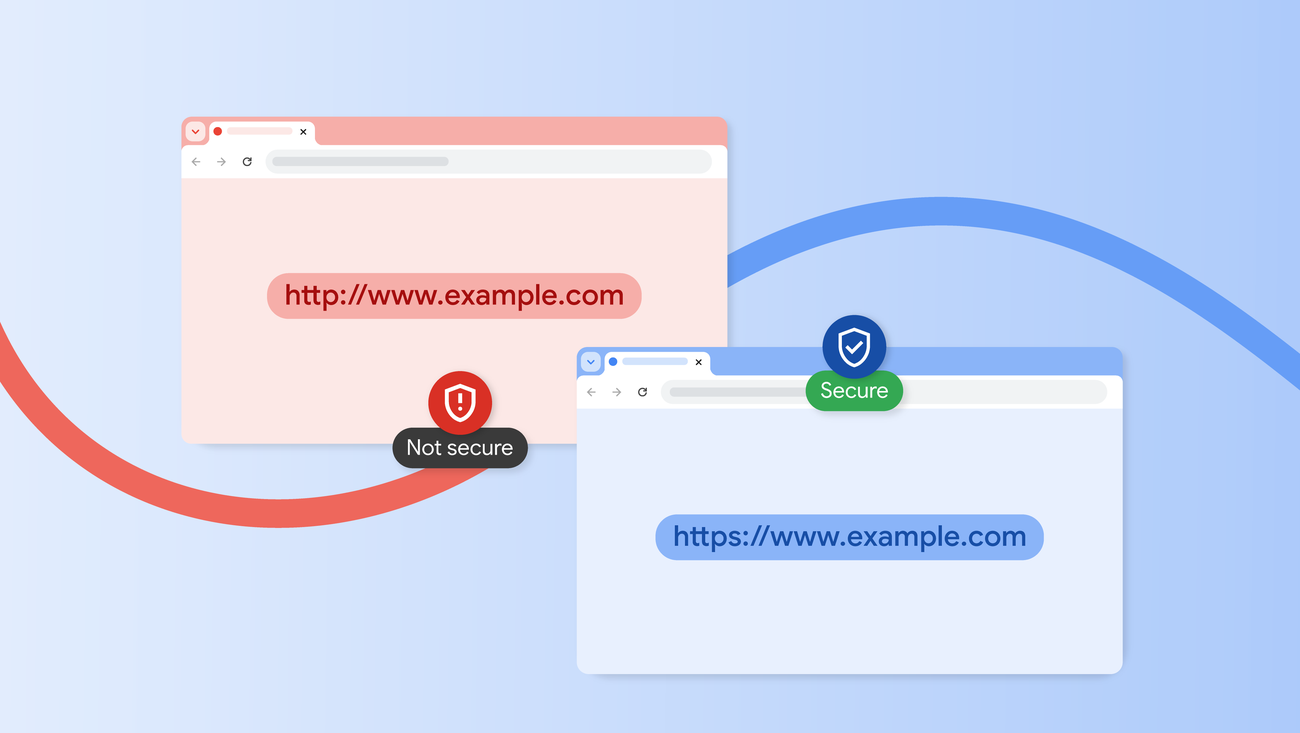
Chrome’s prompt for approval before connecting over unencrypted HTTP, previously available to Enhanced Protection users, is now on by default for everyone, SecurityWeek reports. According to Google’s account in the report, the prompt appears on the first visit to an HTTP site. Once a user approves the connection, Chrome does not warn again unless the user has gone at least two weeks without visiting that site. Hosts that cannot obtain a publicly trusted HTTPS certificate, including local IP addresses and single-label hostnames, are exempt by default.