A direct Ethernet cable moved nearly 1TB between two Windows PCs
XDA's test used Windows file sharing and Robocopy to reach about 100 MB/s without cloud storage, a NAS or an external drive.
TLDR
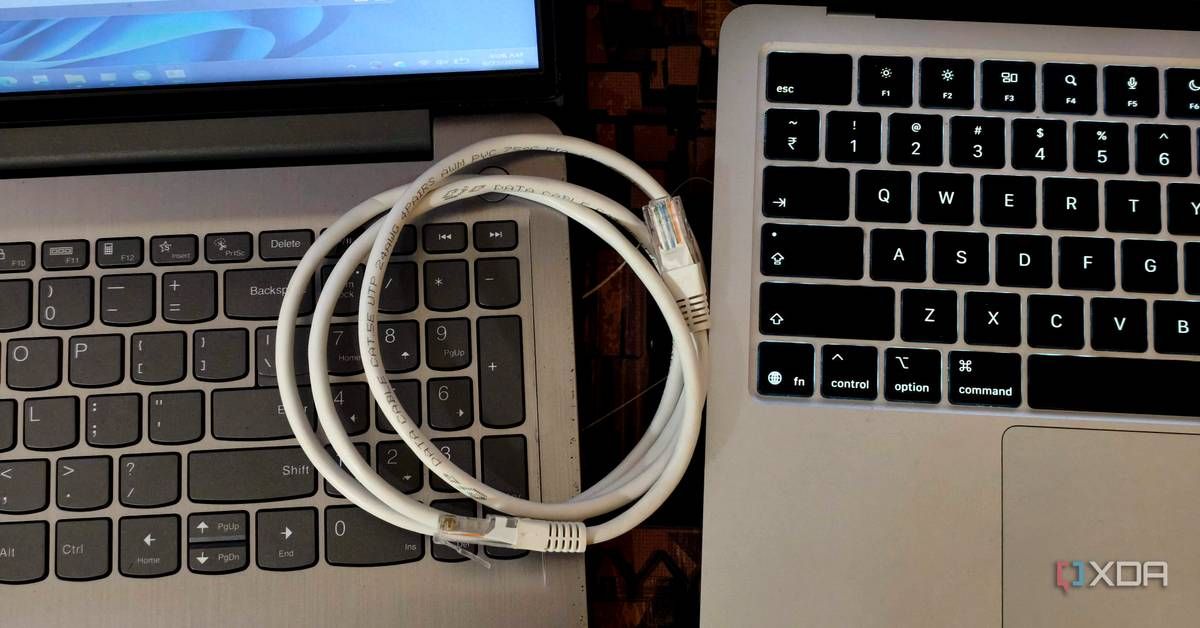
XDA's Anurag Singh moved nearly 1TB between two Windows laptops by connecting their Ethernet ports directly, assigning static IP addresses and sharing a folder over a private local network. He used Windows' built-in Robocopy utility to make the transfer restartable and logged, reporting about 100 MB/s and a completion time close to three hours on gigabit hardware. Actual performance depends on the slower Ethernet port, cable, storage drives and whether the transfer contains many small files.
A direct Ethernet cable moved nearly 1TB between two Windows PCs
XDA's test used Windows file sharing and Robocopy to reach about 100 MB/s without cloud storage, a NAS or an external drive.
TLDR
XDA's Anurag Singh moved nearly 1TB between two Windows laptops by connecting their Ethernet ports directly, assigning static IP addresses and sharing a folder over a private local network. He used Windows' built-in Robocopy utility to make the transfer restartable and logged, reporting about 100 MB/s and a completion time close to three hours on gigabit hardware. Actual performance depends on the slower Ethernet port, cable, storage drives and whether the transfer contains many small files.