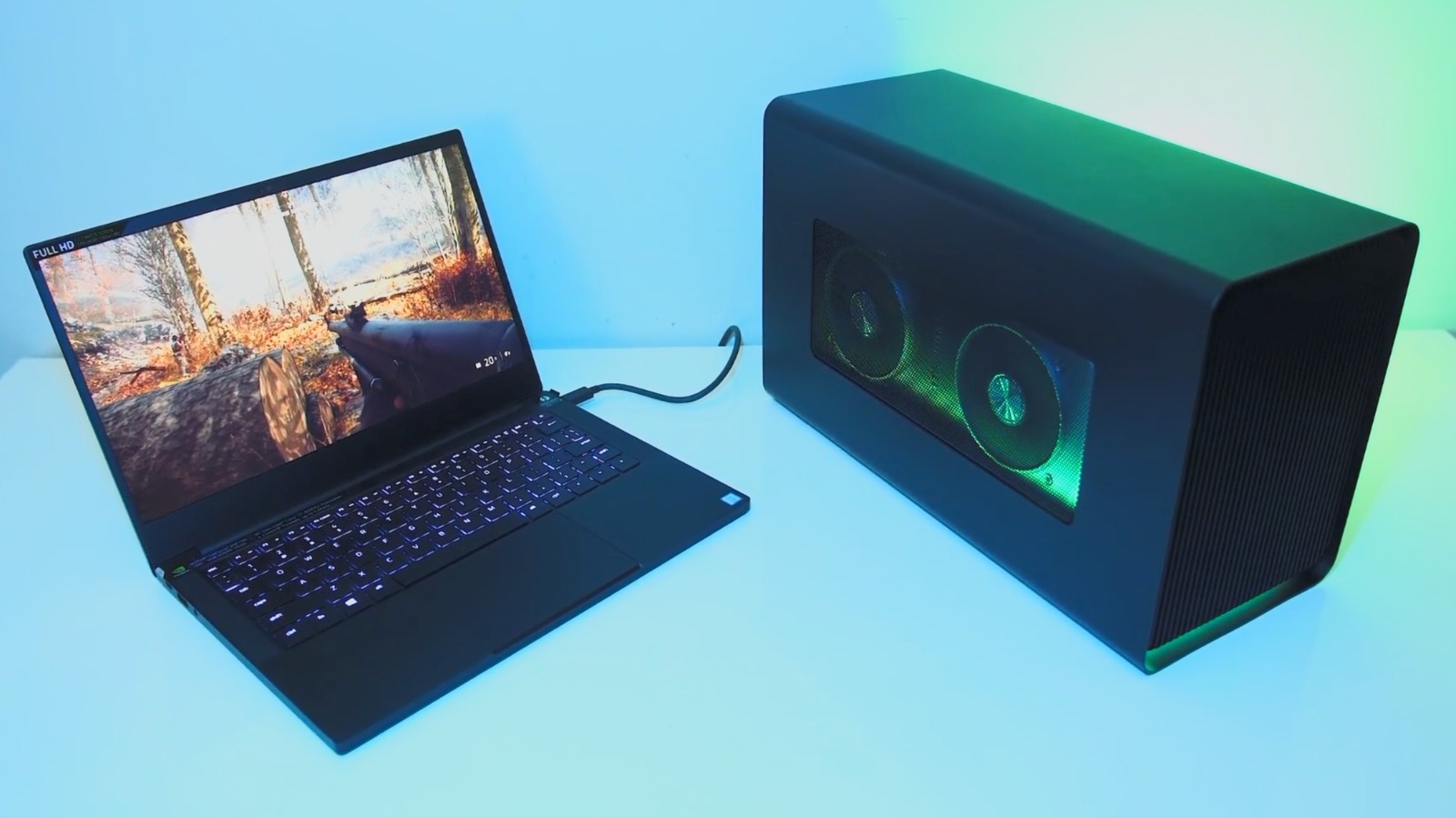
An external graphics processor can give a compatible laptop access to a desktop graphics card, but the upgrade is more involved than plugging in a single accessory. It usually requires a GPU enclosure, a desktop graphics card, a high-speed cable and an external display.
BGR's explainer describes an eGPU as a way around one of a laptop's least upgradeable components. The graphics card sits in a powered enclosure and connects to the computer, commonly over Thunderbolt. Games and rendering-heavy applications can then use that card instead of relying solely on the laptop's built-in graphics.
The potential gain depends on the laptop, connection, graphics card and workload. Thin laptops with modest integrated or mobile graphics may benefit most, but an eGPU does not deliver the same performance as installing the same card directly in a desktop.
Bandwidth and cost narrow the appeal
Thunderbolt adds a bandwidth bottleneck between the processor and external card, creating performance loss compared with a desktop PCIe connection. OCuLink can offer a more dependable high-bandwidth link in compatible hardware, but it is less convenient and may require every component to be connected before power-on.
Cost is the larger obstacle. An enclosure can cost several hundred dollars before adding the graphics card, cable and monitor. Compatibility also needs checking: the laptop must support an appropriate connection, the enclosure must fit and power the chosen card, and software support can vary by operating system and GPU vendor.
An eGPU makes the most sense when someone already owns a suitable laptop and values using one portable machine at a desk with more graphics power. Buyers starting from scratch may get better performance and simpler upgrades from a separate gaming desktop. The answer is therefore less about whether an eGPU works than whether its flexibility is worth the price and performance overhead for a particular setup.