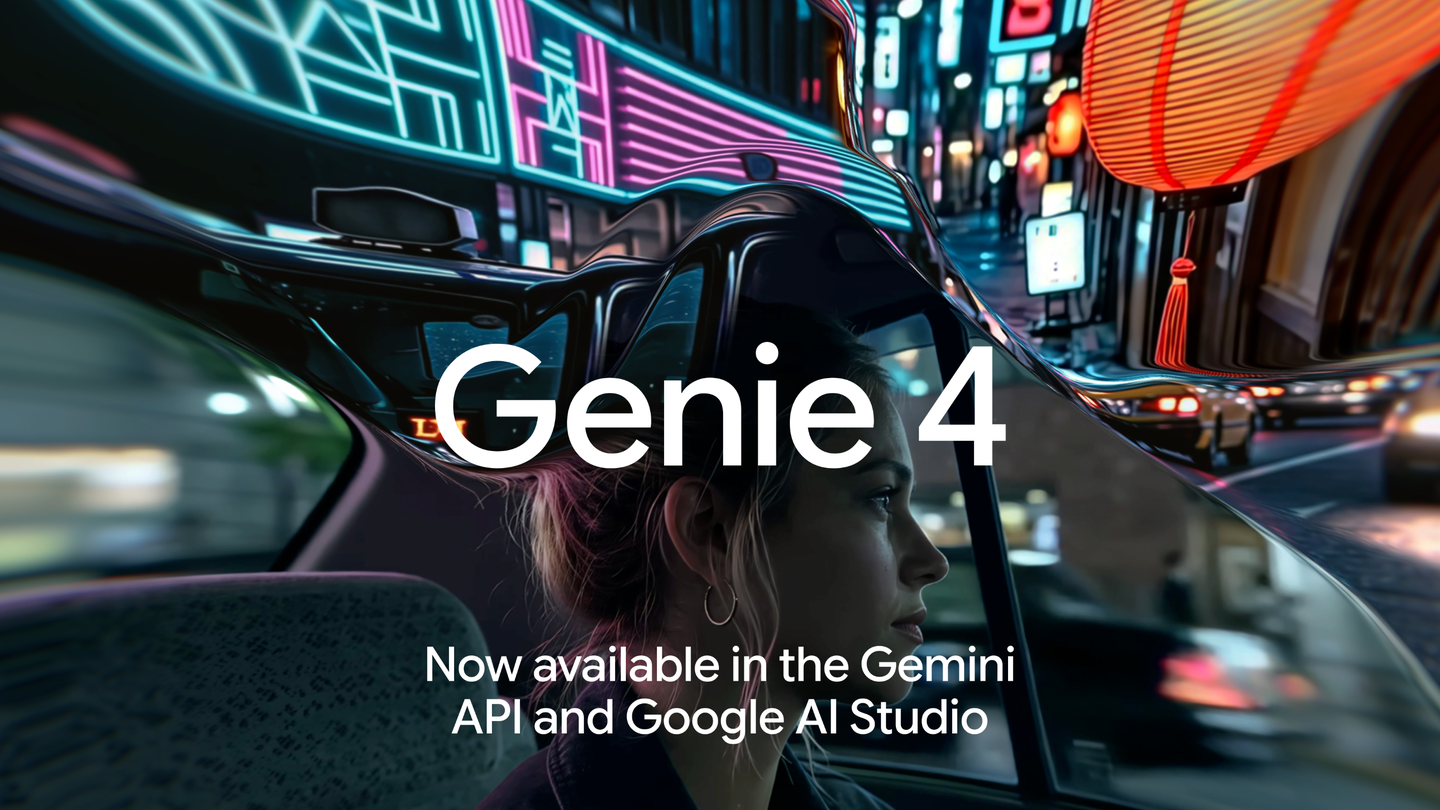
Google announced on November 19, 2026, that Genie 4 is now available to developers through the Gemini API, via the Interactions API, and Google AI Studio. The expansion follows the model’s launch a day earlier, according to the company. Source
Google says developers can start a world with text, a reference image or both, then navigate it with keyboard controls and send live prompts to change weather, lighting, objects and events. Rather than producing a finished clip for you to watch, Genie 4 generates frames in response to your inputs. The documented output is 1280×720 at 24 frames per second, with synchronized 48 kHz stereo audio covering everything from ambient sounds to character dialogue. Apparently, ordering different weather is now a keyboard activity. SourceSource
Closing the tab isn’t the off switch
The documentation says Genie 4 requires a paid-tier Gemini API key and costs approximately $0.10 per second, including stereo audio. Source
Google warns that closing a browser tab detaches the connection without immediately stopping server-side generation. Developers should call complete() when a session ends to stop generation and token billing; detach() alone does not terminate the server-side interaction. Session cleanup belongs in the budget discussion, not just the tidy-code discussion. Source
The scenery has a short memory
Google’s launch blog says Gemini reasoning keeps the world state consistent and coherent. But its technical documentation says Genie 4 works over a rolling temporal window rather than maintaining a persistent 3D scene graph. SourceSource
Looking away from an object for eight seconds or more, or turning all the way around, can cause landmarks, doors and buttons to shift or reset. Visual stability may degrade after 60–90 seconds, and sessions have a hard cap of 120 seconds. That door you walked past isn’t necessarily a permanent fixture. Source
A short, steerable visual experiment is a different proposition from a game that needs every room and switch to remain exactly where it was. Source
WASD and arrows are native. Custom actions need prompts.
WASD moves the viewpoint, while arrow keys control the camera. Google estimates a visual response of roughly 0.2–0.5 seconds under low network latency, versus around 1–2 seconds for text-driven changes. Serving currently runs from US data centers only, and Google warns that round-trip network latency above 150 milliseconds noticeably delays steering. Source
E and space have no built-in interact or jump behavior, according to the documentation. Developers must map custom actions to descriptive text inputs. The space bar needs a job description. Source
Google recommends WebRTC for browser apps and also supports WebSocket connections for Python, Node.js and browsers. Browser clients should use interaction-scoped ephemeral tokens minted on a backend, not expose a long-lived API key. And despite generating audio, Genie 4 does not accept live microphone or webcam streams. Source




Comments